Welcome to EBITS Pay
EBITS Pay helps associations, churches, schools, welfare funds and cooperatives collect dues, levies and contributions from their members by USSD, mobile money, cash or bank, with an instant SMS receipt for every payment.
2 min read Updated 19 Oct 2026
How it works
-
Member dials *928*7#
On any phone, no app or data needed. Their phone number identifies them. -
Chooses what to pay
Only the dues they qualify for are shown, with the correct amount. -
Approves on MoMo
The money goes straight into the organisation's own Hubtel account. -
Gets an SMS receipt
The payment appears on the dashboard and in every report immediately.
Who uses EBITS Pay
| Who | Where they work | What they do |
|---|---|---|
| Members | USSD *928*7# |
Pay for themselves or for someone else, check recent payments and dues. |
| Organisation team (treasurer, secretary, finance…) | Client portal /app |
Manage members, payment types, payments, SMS and reports. What each person can do depends on their role. |
| EBITS staff | Super admin /admin |
Onboard clients, set up Hubtel accounts, manage users, SMS gateway and platform reports. |
Signing in for the first time
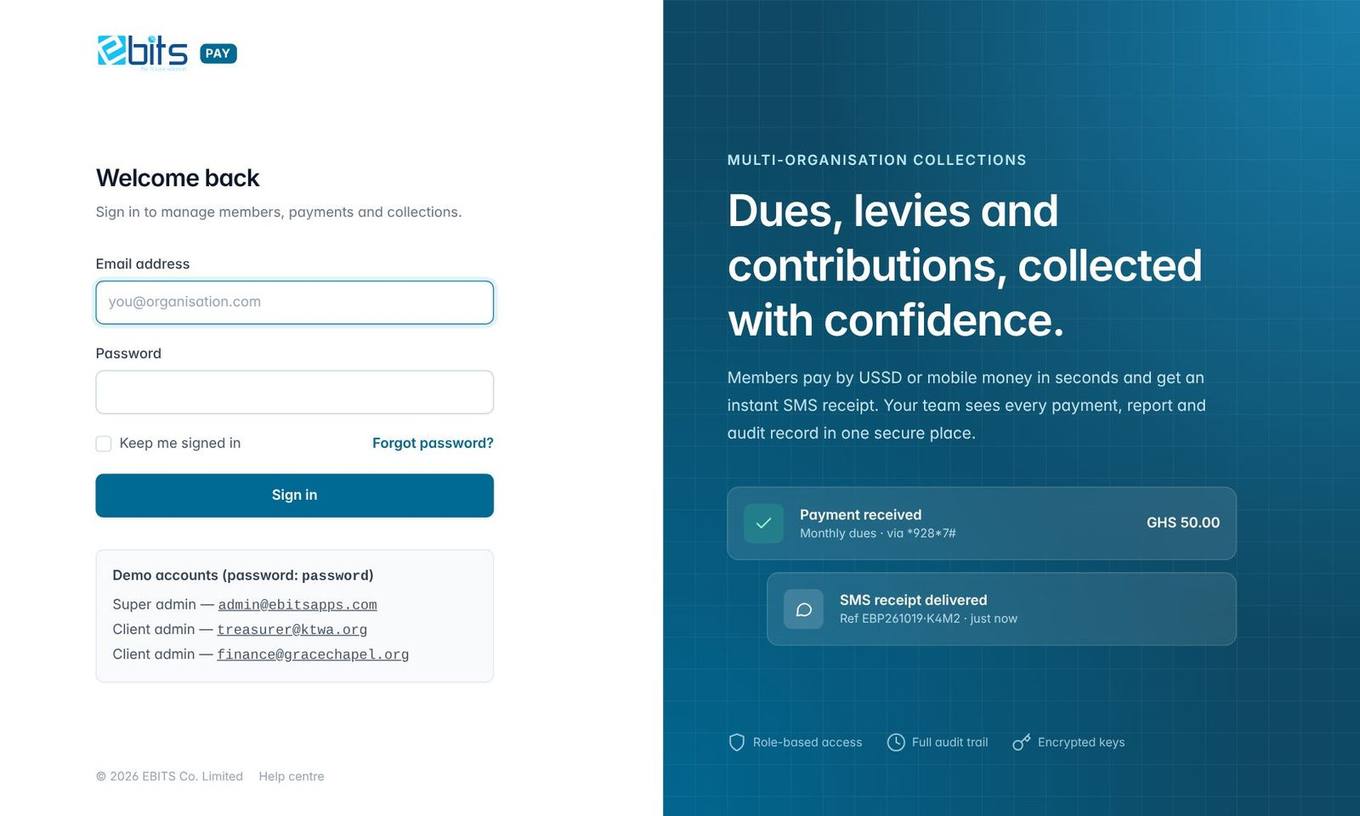
Open the EBITS Pay address in a web browser (Chrome, Edge or Firefox, on a computer, tablet or phone) and sign in with the email address and password you were given. There is one sign-in address for everyone: once you sign in, your organisation's logo and colours load automatically. If EBITS or your administrator set your password, you will be asked to choose your own password straight away.