
Your account & password
Keep your account safe, reset a forgotten password yourself by SMS, and change your password.
2 min read Updated 19 Oct 2026
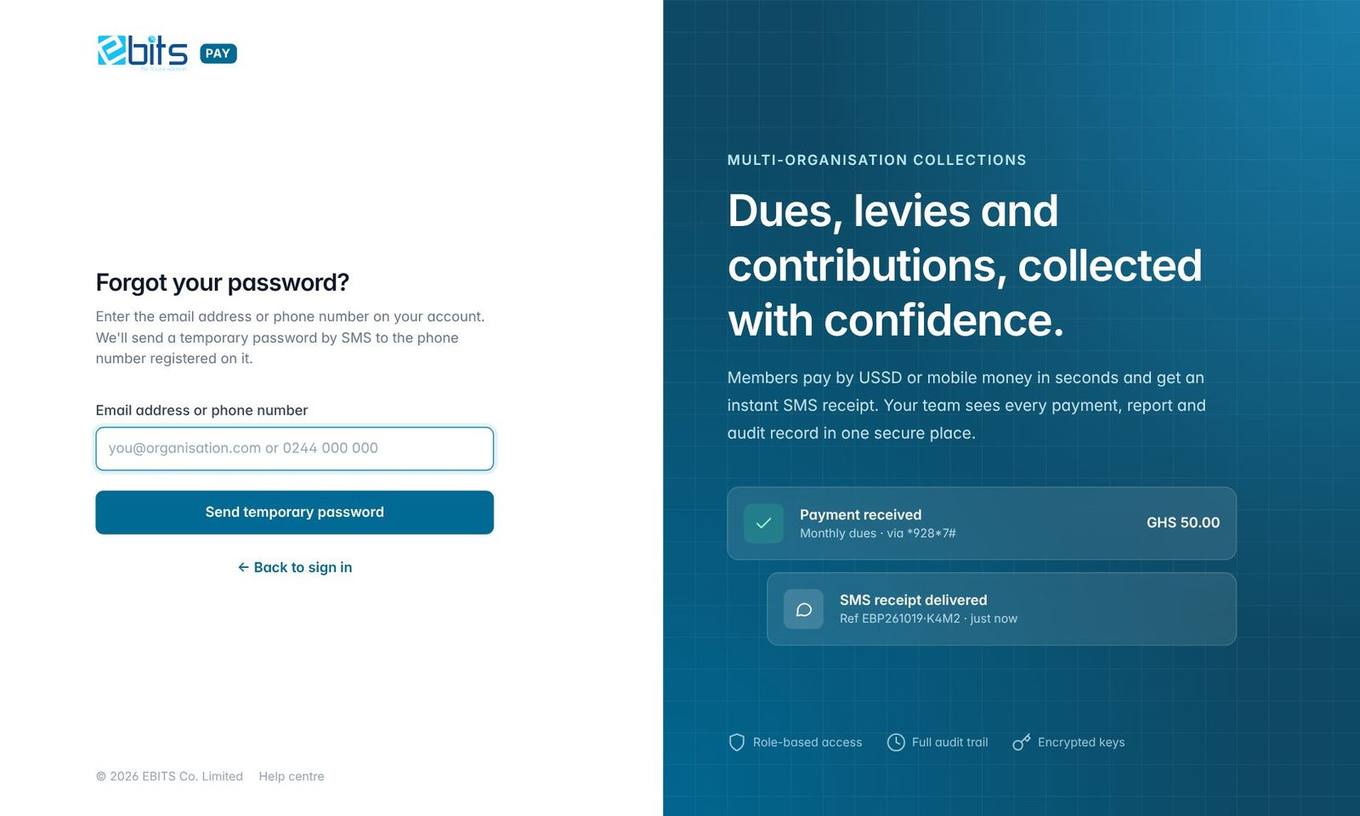
Forgot your password? Reset it by SMS
- On the sign-in page click Forgot password?
- Enter your email address or phone number and press Send temporary password.
- You receive an SMS such as "your temporary password is KQRT-4829". The screen shows where it went, e.g. 024•••1010.
- Sign in with your email and the temporary password within 30 minutes.
- Choose a new password (at least 8 characters with letters and numbers). You cannot use EBITS Pay until you do.
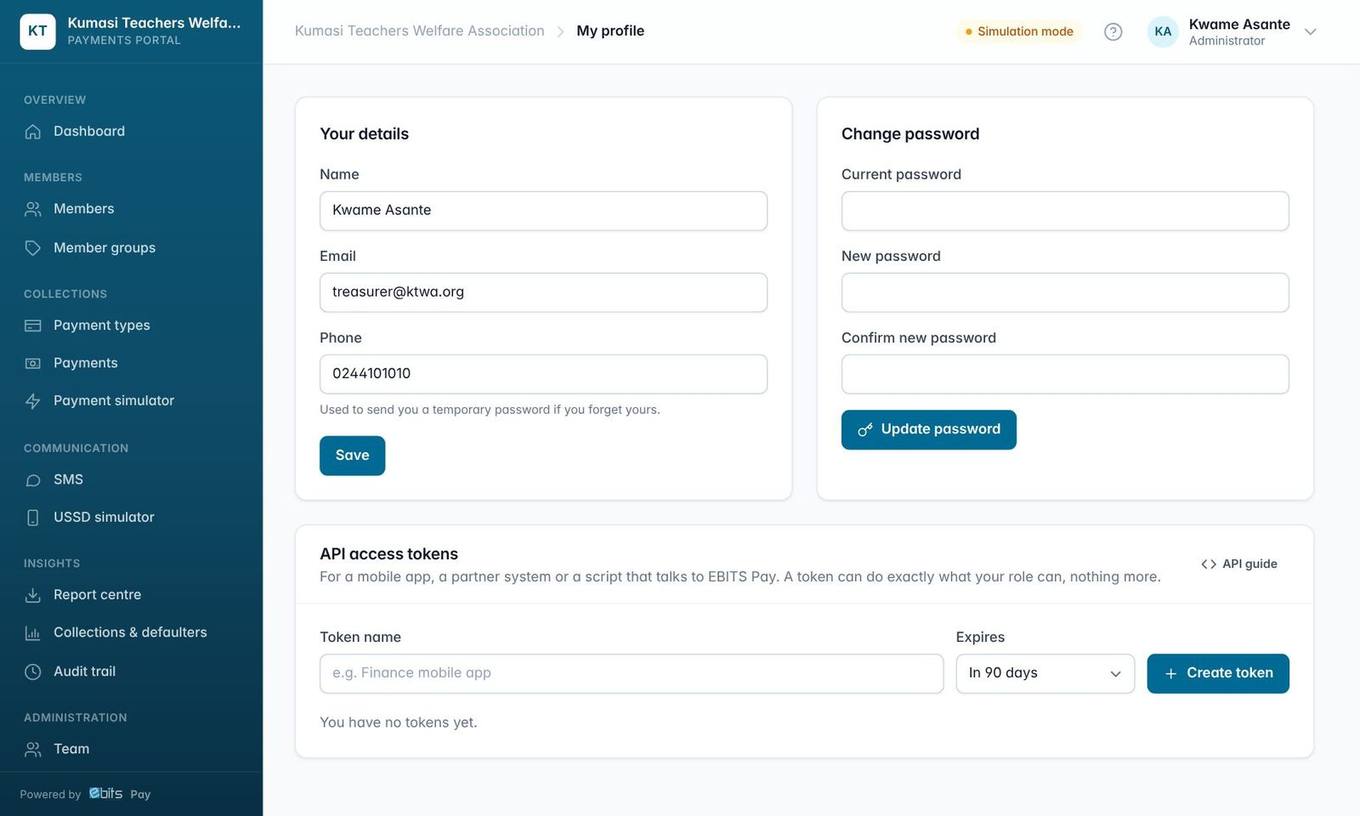
Good to know A phone number is required on every account, because temporary passwords are sent by SMS. If the page says your account has no phone number, ask your administrator to add it.
Important Requesting a reset does not cancel your old password. If you remember it, keep using it and ignore the SMS. When an administrator resets your password, the old one stops working immediately and you are signed out on every device.
Changing your password
Click your name (top right) → My profile. Enter your current password and the new one twice. Changing your password signs you out of every other browser.